

Basic Setup
Start by specifying the endpoint you want to track.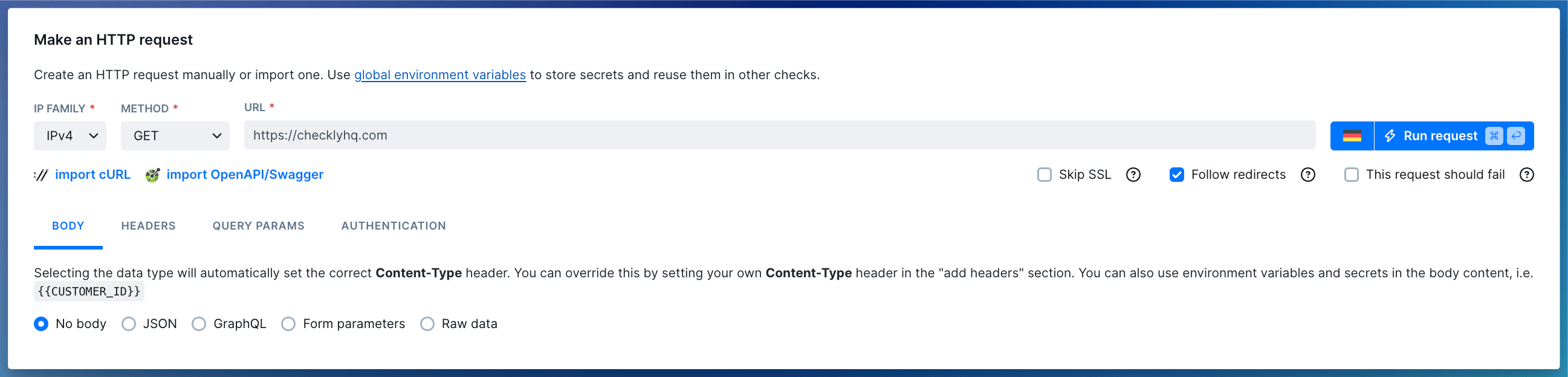
- URL: The HTTP(S) URL to monitor (e.g. https://checklyhq.com). URL’s are checked for correctness and must start with either
http://orhttps://. - Request methods: Available methods are
GET, POST, PUT, HEAD, DELETE, PATCH. - IP family: Defaults to IPv4.
- Skip SSL: Skip SSL certificate validation.
- Follow redirects: Automatically follow 30x redirects.
- This request should fail: Treat HTTP error codes (4xx and 5xx) as passed. Please note that successful responses still pass. Only failed assertions will cause the check to fail.
Body
Add body content to your request by formatting your content as text. Selecting the type of content will automatically set the correctContent-Type header for your request.
JSON
This option sets theContent-Type request header to application/json. Format your input as standard JSON, i.e:
GraphQL
This option also sets theContent-Type request header to application/json, but allows you to type GraphQL queries and
format them as such, i.e.
Form parameters
This option setsContent-Type request header to application/x-www-form-urlencoded. Format your input as a string of key/value pairs concatenated with ampersands, i.e:
Raw data
If the predefined data types don’t work for you, useRaw data. Make sure to define your Content-Type header explicitly then.
To monitor an XML/SOAP-based API definetext/xml; charset=utf-8asContent-Typeheader, send your XML asRaw dataand use a setup script to parse required access tokens.
Headers
Add HTTP request headers. The type ahead feature is pre-populated with the most common headers, but you can add any custom headers you want.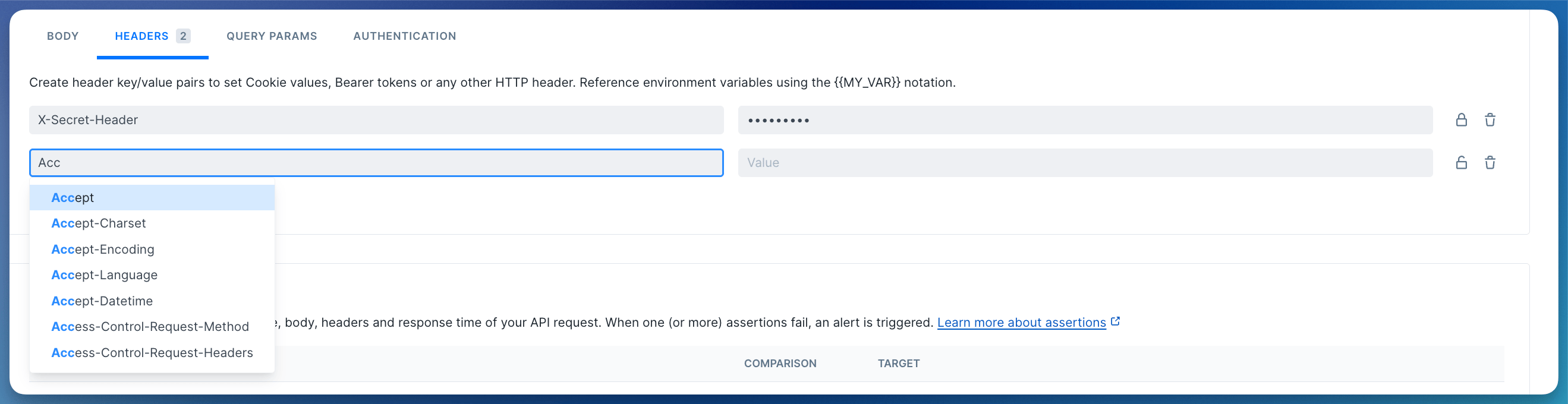
Query parameters
This section allows you to add query parameters to the request URL in a structured way. You can add as many query parameters as you want. The interface is the same as for the HTTP headers: you can use the lock icon to toggle encryption and screen hiding.You can also just leave the query parameters as part of the URL. Whatever works for you.
Basic authentication
Add HTTP basic authentication parameters to your API request by entering a username and password in the Authentication tab.Accessing environment variables
Environment variables are exposed to your API checks using the common Handlebars/Moustache templating delimiters, i.e.{{USER_API_KEY}}. Note that Handlebars (double brackets) variables will be URI encoded. To avoid encoding, you can access your environment variables with triple brackets, i.e. {{{USER_API_KEY}}}.
Variables can be used in the following API checks fields:
- URL
- Body
- Header values
- Query parameters values
- Basic authentication username and password
Using helpers and built-in variables
Next to your own variables, we’ve added some built-in ones. These variables are specific to API checks:
A practical example of using the
{{moment}} helper would be setting the pagination options on a typical API endpoint:
For a full overview of date formatting option, check the moment.js docs.
Import a cURL request
You can import the request method, url, headers and body from a cURL command. Arguments--user-agent, --cookie and --compressed also work.
Import a Swagger / OpenAPI specification
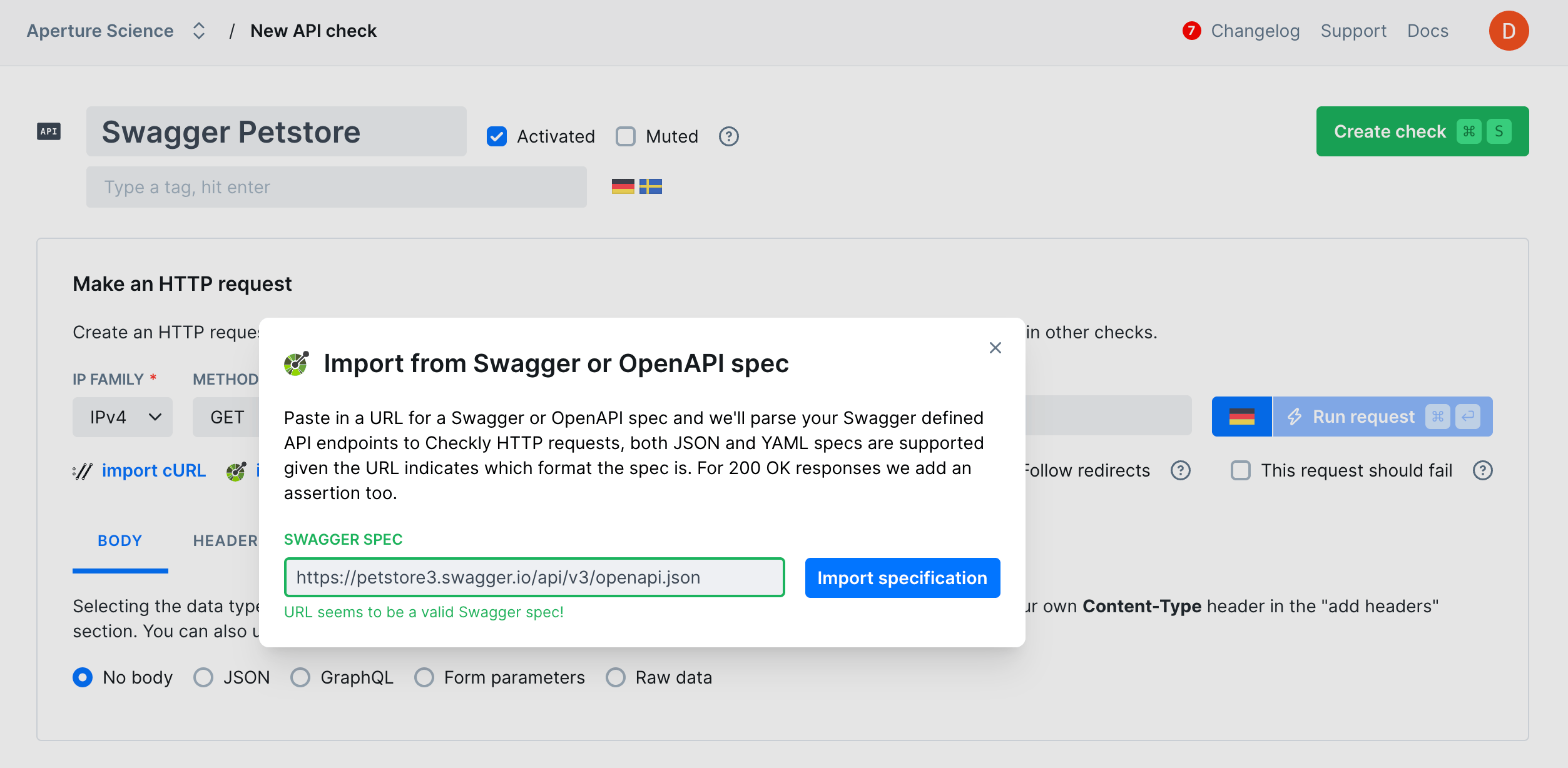
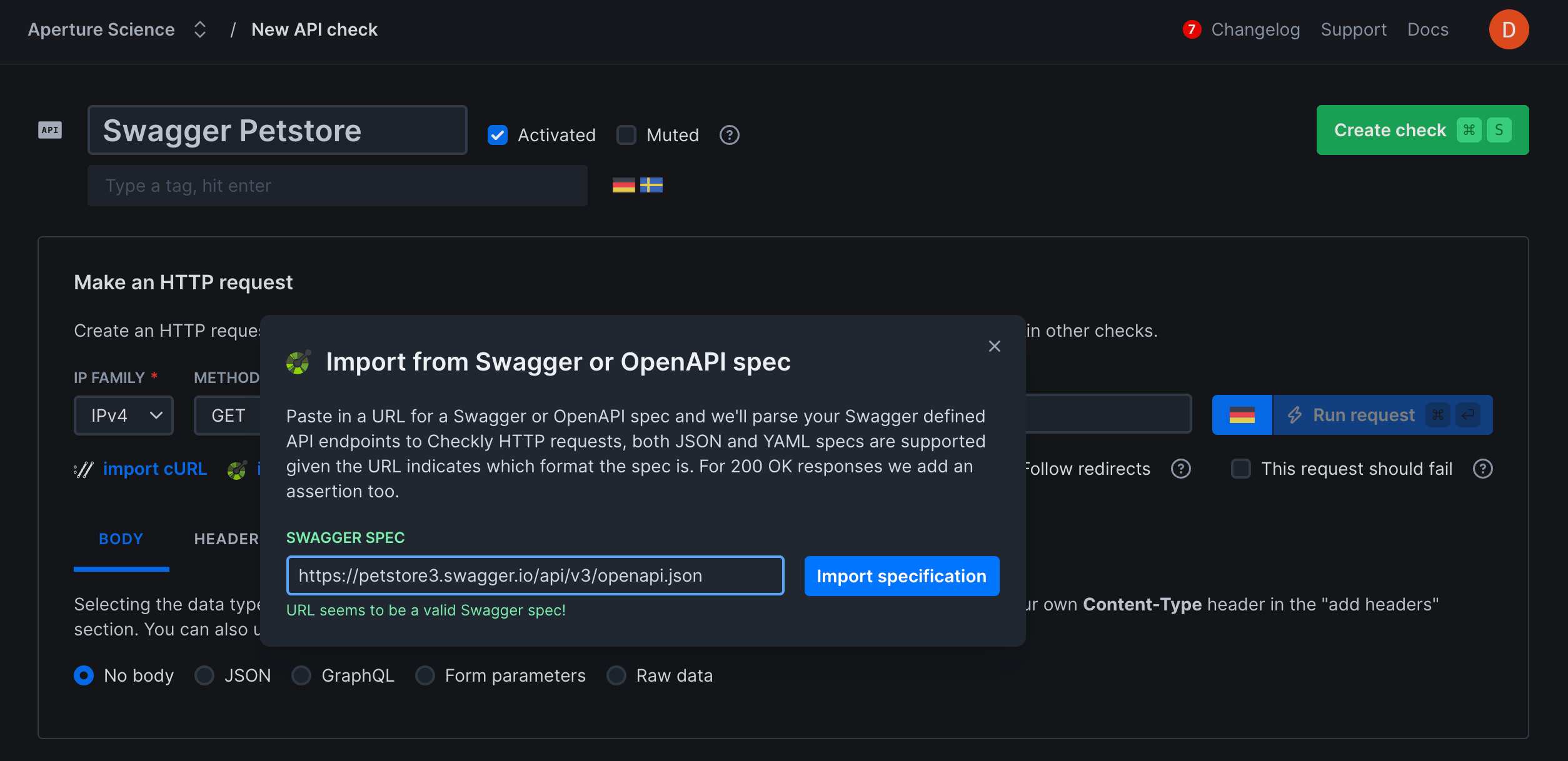
If your API implements the Swagger 2.0 or OpenAPI spec, you can import theswagger.json spec. The importer
parses your spec and prompts you to make some decisions about which requests are to be imported and how.
- Name: you can set the check name to the “description” or “url” from your spec.
- Tags: import tags from you spec.
- Headers: import HTTP headers from you spec.
- Query parameters: import query parameters from your spec.
- Add a “group” tag: Copy the name of you spec to a tag and add it to each imported request. This helps filtering and grouping related checks in the Checkly dashboard.
Assertions
The response of an API request can be checked for correctness and timeliness by using assertions on the response data. This allows you to verify things such as:- HTTP response status equals 200.
- HTTP response body equals the text “success”.
- HTTP response time is lower than 2000 milliseconds.
- HTTP response header “X-Custom-Header” equals “SomeValue”.
- HTTP response JSON object has a key called “accountBalance” with a value greater than 9999.

- Status code: The HTTP response status, parsed as an integer.
- JSON body: The response body parsed as a JSON object. To enable parsing, the Content-Type header of the response should be set to application/json.
- Text body: The response body as plain text.
- Headers: The response headers as an array of key/value pairs.
- Response time: The response time of the full API request in milliseconds, parsed as an integer value.
Responses
In almost all cases, you have access to the HTTP response for assertions. Checkly reads up to 25MB of the response body. For larger responses, only the first 25MB is available to assertions and teardown scripts. The response body stored with the result can be truncated further to fit result-size limits.Previewing image response bodies
Checkly displays a preview and download option in API check results when the raw response body is 50KB or smaller and the responseContent-Type is one of these supported raster image types:
image/pngimage/jpegimage/gifimage/webpimage/avifimage/apngimage/bmpimage/x-iconimage/vnd.microsoft.icon
Content-Type header rather than the file extension to identify images. Images larger than 50KB
are truncated when stored and cannot be previewed. SVG, TIFF, other unsupported image types, and results created
before image preview support cannot be previewed either. Slack alerts do not include a response body preview for
supported images.
Additionally, if your API responds with a binary type body, i.e. a PDF or video file, we scrub the body and replace
it with a short text saying that we scrubbed it. We determine the body content type by looking at the Content-Type
response header.
This list shows all content types that we scrub from the response data.
Asserting on binary response bodies
Adding a Text body assertion disables binary scrubbing for the entire check. The assertion, teardown scripts, and stored result receive the response body instead of the scrubbed message. Use this when a server labels a textual payload with a binary content type, such asapplication/octet-stream. This does not decode binary formats such as
PDF, ZIP, audio, or video files.
The assertion evaluates the response body up to the 25MB limit above. Its Actual value is truncated to 10KB for
display, and the stored response body remains subject to result-size limits. Checks without a Text body assertion
keep the scrubbing behavior described in this section.
Additional Settings
- Name: Give your check a clear name to identify it in dashboards and alerts
- Description: Add context about what this check does and why it matters. Supports markdown, max 500 characters. When a failure occurs, Rocky AI uses the description to provide more accurate root cause and user impact analysis
- Tags: Use tags to organize checks across dashboards and maintenance windows
- Retries: Define how failed runs should be retried. See retry strategies
- Alerting: Configure your alert settings, alert channels, or set up webhooks for custom integrations